Android is always liked by many people because it gives more freedom. You can change wallpaper, icons, app style, launcher, language, and many small settings also. This is the main reason Android still feels more personal than many other phone systems.
In Android 12, Google changed the design with Material You. It was colorful and fresh, but some people did not like all changes. After that Android 13, Android 14, Android 15, and now newer Android versions improved many things slowly.
So now Android is not only about looks. It is also about privacy, safety, AI, battery, camera, and small daily use features. Some features are very big, some features are small. But those small features only we use every day.
Here we can see some of the best Android features in simple way. Some features may not come in all phones. Because Samsung, Pixel, Xiaomi, OnePlus, Vivo, Oppo and other brands give updates in different way.
Set Different Language for Different Apps
This is one very useful feature in Android. You can set one language for your phone and another language for a specific app. For example, your phone language is English. But you want WhatsApp in Tamil or Hindi. You can change only WhatsApp language from settings. No need to change full phone language.
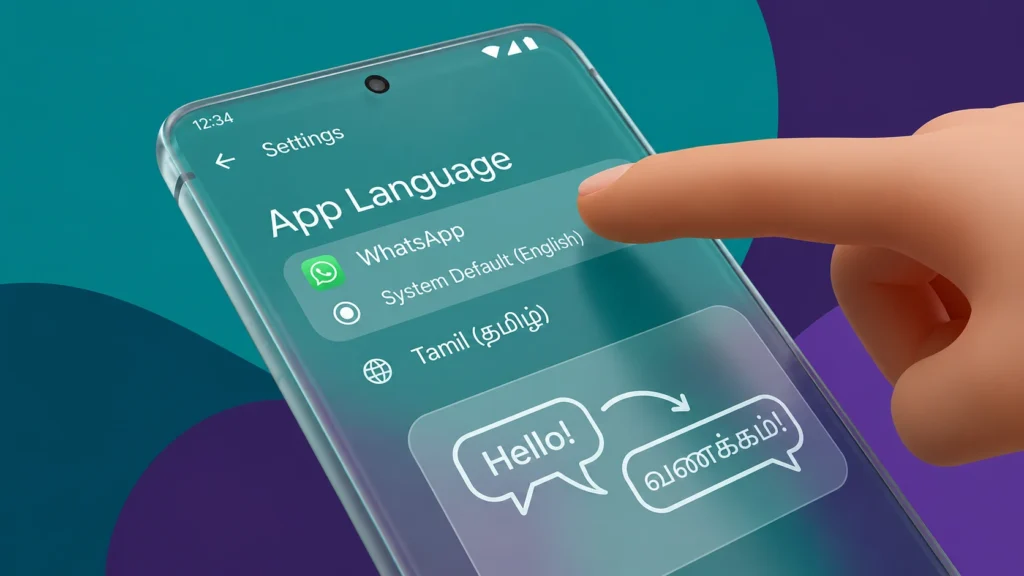
This is very useful for people who use more than one language daily. Some people use English for office work. But they chat with family in mother language. So this feature makes more sense. You can go to Settings, open Apps, select the app, and change language. But the app must support that language. If the app not support, then option may not show. It is a small feature only. But for many users this is very helpful.
QR Code Scanner in Quick Settings
Before, when we need to scan QR code, we open camera or Google Lens. Some people even install separate QR scanner app. But now Android makes this work easy. You can add QR code scanner button in Quick Settings. Just pull down the notification bar and tap QR scanner. That is enough.
This is useful for UPI payment, Wi-Fi QR code, restaurant menu, website link, ticket, and many more things. Nowadays QR code is everywhere. So having one direct button is good. You do not need to leave your current work also. Scan the code, then come back to previous app using recent apps. It feels simple and fast.
Better Copy and Paste
Android copy paste is already good. But now it is more useful than before. When you copy a text, Android shows small clipboard preview at the bottom side. You can tap that and edit the copied text. So you can remove extra words before pasting. For example, you copy one full address. But you need only street name. You can edit in clipboard itself and paste only what you need. This saves time.
Also Android clears clipboard after some time. This is good for safety. Because sometimes we copy password, OTP, bank number, phone number, or personal details. If clipboard keeps that forever, it is not safe. So auto clear is a good thing.
Photo Picker for Privacy
This feature is very important, but many people don’t notice it. Before, if an app needs one photo, it may ask permission for full gallery. That means the app can access all photos. It is not always good. Now Android has photo picker. You can select only the photo or video you want to share. The app does not need full gallery access.
For example, you want to upload profile photo in one app. That app needs only one photo. So why give full gallery permission? Photo picker solves that problem. This is a good privacy feature. Simple, but useful.
App Notification Permission
In old Android phones, after installing app, it can send notification directly. That was irritating. Every app started sending offers, ads, reminders, and many useless things. Now Android asks first. When you open new app, it will ask if you want notifications or not.
So you can allow only important apps. Like WhatsApp, Gmail, banking app, delivery app, or work app. Other shopping apps or games you can block. This keeps phone clean. Because too much notification makes the phone feel messy. Also battery and focus both get affected.
Active Apps Menu
Sometimes an app keeps running in background. It may use battery, location, microphone, or internet. But we don’t know which app is active. Android has active apps menu for this. You can see which apps are running and stop them if needed.
This is useful when phone is heating or battery is going down fast. You can check and close unwanted active app. Not every user will use this feature daily. But when you need it, it helps nicely.
Theft Protection
Phone theft is a big problem now. Because phone has everything. Bank apps, UPI, photos, emails, contacts, documents, and many personal data. New Android versions have better theft protection features. If phone feels like someone snatched it and ran away, it can lock the phone quickly.
There is also remote lock option. If your phone is lost, you can lock it from another device using phone number and security check. This is very useful because in that panic time, many people cannot remember full Google account password. Remote lock makes the first step easy.
Android is also improving protection for sensitive settings. So thief cannot easily turn off important safety options.
Private Space
Private Space is one of the best privacy features in newer Android phones. It works like a separate hidden area inside your phone. You can keep private apps inside it. Like banking app, personal chat app, finance app, dating app, or any app you don’t want others to see. When Private Space is locked, those apps will not show normally. Notifications also stay hidden. You need fingerprint, password, or screen lock to open it.
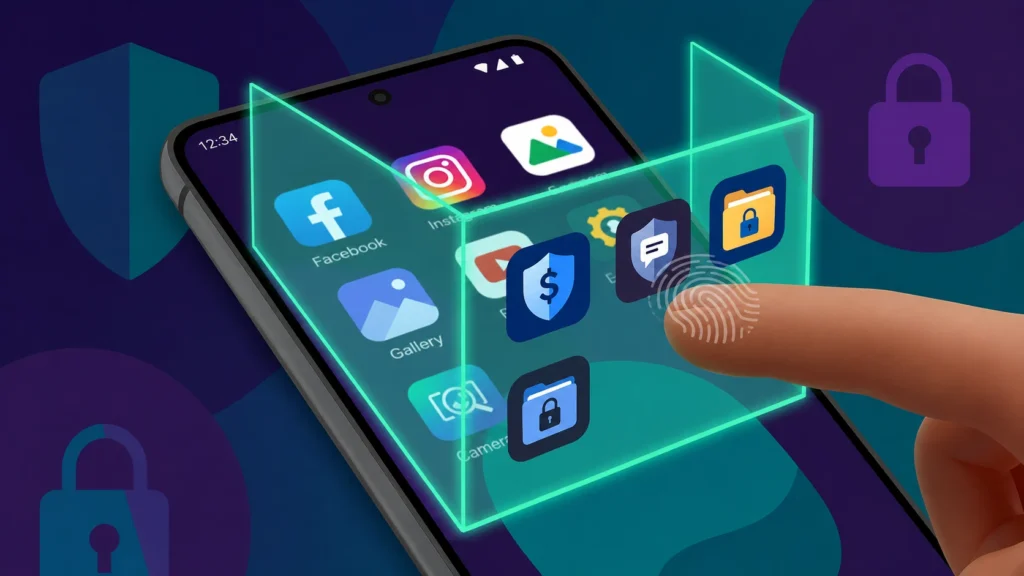
This is useful when someone asks your phone for a few minutes. They can use normal phone, but they cannot easily see your private apps. This feature is not for doing anything wrong. It is just for personal privacy. Because phone has too much personal things nowadays.
Themed Icons and Wallpaper Colors
Android design is now more colorful and personal. Themed icons can match your wallpaper color. So home screen looks more clean and same style. This feature came with Material You style. Now it is better than before. Many apps support themed icons, but still not all apps. You can choose wallpaper colors and basic colors from wallpaper settings. Phone will change many system colors based on that.
This is not a very serious feature. But we look at home screen many times a day. So if it looks nice, phone also feels fresh. Some people like simple white icons. Some people like colorful icons. Android gives choice, that is the main thing.
One Handed Mode
Phones are getting bigger every year. But our hand size is not increasing. So using big phone with one hand is not always easy. One handed mode helps here. It brings the screen down so you can touch top area easily.
This is useful when you are travelling, holding bag, eating, or using phone with one hand. You don’t need to stretch your finger too much. Small feature only. But once you start using it, it feels comfortable.
Bluetooth LE Audio
Bluetooth LE Audio is a newer audio feature. It can give better wireless audio experience and also use less power in supported devices. This depends on phone and earbuds support. If both support it, audio can be more efficient.
It can also help in hearing aid support. For people using hearing devices, Android is slowly improving audio connection and control. Not everyone will care about this feature. But for people who use wireless earbuds daily, this is a good improvement.
Spatial Audio
Spatial Audio gives more surround type sound. When you watch movie or video with supported headphones, sound can feel like it is coming around you. Some devices also support head tracking. So when you move your head, sound direction can change a little. It gives theatre like feeling.
This is good for movies, games, concerts, and sports videos. But it needs supported phone, supported earbuds, and supported content. So don’t expect it in every phone. But if your device has it, it is nice feature to try.
Gemini and AI Help
Android phones are now getting more AI features. Gemini is coming in many places slowly. You can ask questions, get help, write text, and understand things faster. Some phones also have AI writing tools. You can make text shorter, correct grammar, change tone, or reply better.
This is useful for students, office users, bloggers, and normal chatting also. Suppose you want to write a small email, AI can help you make it better. But all AI features may not work in all phones. Some need latest Android version, latest Google app, internet, and supported language. Still, Android is moving more into AI side. That is clear.
App Archiving
Storage problem is common in many phones. We install many apps, but we don’t use all apps every day. App archiving helps to save storage without fully deleting the app. Android can remove some app files but keep app data.
Later, when you want that app again, you can restore it. So you don’t lose everything. This is very useful for phones with 64GB or 128GB storage. Because photos, videos, WhatsApp files, and apps fill storage very fast.
Better Passkey Login
Passwords are becoming headache nowadays. Every app asks password. Every website asks password. Then we forget it. Passkeys are better option. You can login using fingerprint, face unlock, or screen lock. No need to type password every time.
Android supports passkeys better now. Many apps and websites slowly started using it. This is good for safety also. Because normal password can be leaked or guessed. Passkey is harder to misuse. It may take time for all apps to support it. But this is the future direction.
Circle to Search
Circle to Search is one of the most useful new Android features. You can search anything on your screen without leaving the app. For example, you are watching a video and see one shoe, watch, plant, place, or food. You can circle it and search directly.
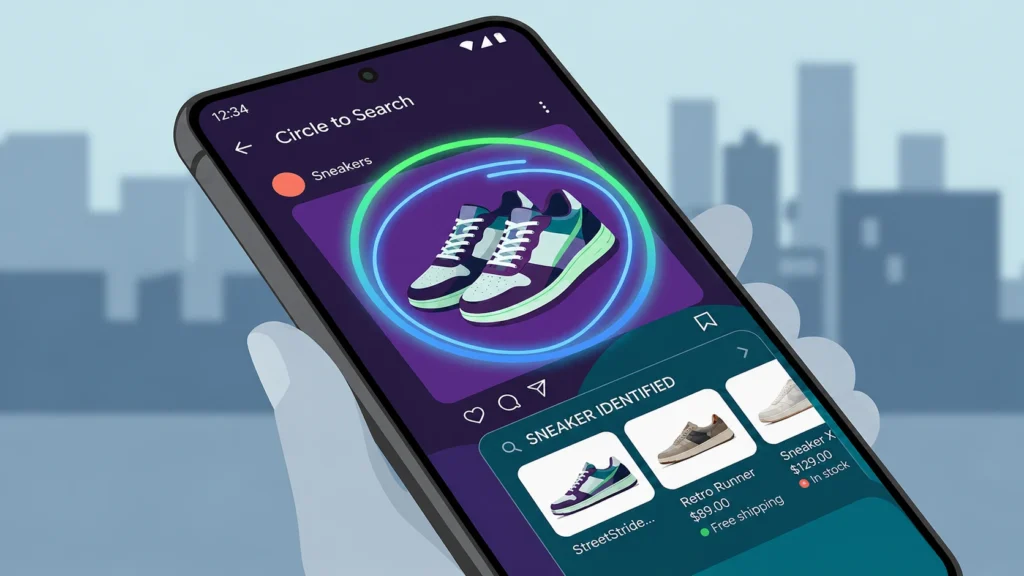
No need to take screenshot. No need to open Google app separately. This is the good part. It is useful for shopping, learning, travel places, products, and even text search. Many times we see something and we don’t know the name. This feature helps in that time. It feels like small magic, but actually very practical.
Partial Screen Recording
Screen recording is useful for tutorial, gaming, app issue, or showing something to friend. In newer Android versions, you can record only one app instead of full screen. This is very good for privacy.
For example, you record one app tutorial. If WhatsApp message comes, it will not show in recording if you selected only that app. This is a simple but clever feature. Because many people accidentally show private notifications while recording screen. Now you get more control.
Better Large Screen Support
Android is now used in foldable phones and tablets also. So Google is improving big screen features. On tablets and foldables, you can use taskbar, split screen, and app pairs. This helps to open two apps together.
For example, you can open YouTube and Notes together. Or Chrome and WhatsApp. Or Gmail and Drive. This is useful for students and office work. Android tablets are slowly becoming better for productivity. Still, some apps are not perfect on big screen. But it is improving.
Better Camera Support
New Android versions are also improving camera support. This helps camera apps use phone hardware better. Things like night mode support, HDR, better video control, and professional camera options are improving slowly. For normal users, this means camera quality inside apps can become better. Like Instagram, Snapchat, WhatsApp camera, or third-party camera apps.
But phone hardware still matters. A budget phone and flagship phone will not give same result. Still, Android giving better camera tools is a good thing. Because many people use phone as main camera now.
Better Battery and Smooth Display
New Android phones use high refresh rate screens like 90Hz, 120Hz, and more. It makes scrolling smooth. But it can also use more battery.Adaptive refresh rate helps here. Phone can use high refresh rate when needed and lower refresh rate when screen is still.
For example, when you scroll Instagram, it can feel smooth. But when you read one page, it can reduce refresh rate and save battery. You may not see this feature directly. But you can feel phone is smooth and battery is better.
Satellite Messaging Support
Some newer Android phones are slowly getting satellite messaging support. This is useful when mobile network and Wi-Fi are not available. This feature needs supported phone, supported country, and carrier support. So it is not for all phones right now.
But for emergency situations, travel, mountain area, forest area, or no-signal place, this can be very useful. It is a future type feature. Not common for everyone today, but important.
Quick Share
Quick Share helps to send files fast between Android phones, Chromebooks, and Windows PCs. You can share photos, videos, documents, APK files, and many other files without using cable. It is faster than sending through WhatsApp because quality can stay better.
This is useful when you want to send full quality photo or big video. You don’t need to upload to cloud. Earlier file sharing between phones was confusing. Now Quick Share makes it more simple.
Emoji Kitchen
Emoji Kitchen is a fun feature in Gboard. You can mix two emojis and make new sticker style emoji. This is not a serious feature. But chatting becomes more fun.
For example, you can mix smiley with heart, ghost with laugh, cat with crying face, and many funny combinations.
Android is not only about privacy and battery. Fun also matters. Because we use phone for chatting and sharing mood every day.
Final Words
Android is changing slowly, but in a useful way. It is not only about big design changes now. Small daily features are becoming better.
Features like per-app language, QR scanner, better clipboard, photo picker, notification permission, Private Space, Theft Protection, Circle to Search, app archiving, and Quick Share are useful in real life.
Some features will come only in latest phones. Some features will come through Google app update. Some features may depend on brand also. Pixel may get first, then Samsung, OnePlus, Xiaomi, Vivo, Oppo, Motorola and other phones may give later.
So always keep your phone updated. Check system update, Google Play system update, and app updates also. Because Android features do not come only from one big update.
Android is still special because it gives choice. You can keep your phone simple. Or you can customize it deeply. That freedom is the main reason many people still love Android.