Nowadays Xiaomi phones are changed from MIUI to HyperOS. Before, most Redmi, Xiaomi and POCO phones came with MIUI. But now Xiaomi slowly moving many phones to HyperOS. You can also check the official Xiaomi HyperOS page for latest features and update details.
Many users think HyperOS is only new name. But, after using the phone for some days, we can see some small changes. Some changes are in design. Some changes are in speed, battery and privacy side.
So, in this article, we are going to see some useful HyperOS features and tips. If your phone already got the update, then you can check these options one by one.
HyperOS Features
1. Lock Screen Style
The lock screen is one of the first place where you can see the change. HyperOS gives more lock screen styles than old MIUI.
You can change clock style, wallpaper style and some effects. Some phones also support depth effect wallpapers. It gives little premium look to the lock screen.
If you like phone customization, first check the lock screen settings. Because this is the easy place to make your phone look different.
2. Home Screen Look
HyperOS home screen looks cleaner than old MIUI. The icons look little smoother and the space between apps also looks better.
You can keep apps, folders and widgets based on your usage. If you like clean look, keep only important apps on home screen. If you want more details, then add widgets.
The app opening and closing animation also feels better in many phones. It is not a very big change, but daily use feels little smooth.
3. Widgets
Widgets are more useful in HyperOS. You can use weather widget, clock widget, battery widget, notes widget and calendar widget. Widgets help to see small information without opening the app. For example, you can check weather, date and battery directly from home screen.
But don’t add too many widgets. If the home screen is full, it may look messy. Also, on low RAM phones, too many widgets may make the phone little slow.
4. Control Center
Control center is also changed in HyperOS. WiFi, Bluetooth, mobile data, hotspot and brightness controls are easy to use. Media control also looks better. If you play music or video, you can control it from the notification area itself.
Some people may like old MIUI control center. But after using new one for some days, it feels simple. If your phone has old style option, you can change it from settings.
5. Better Speed
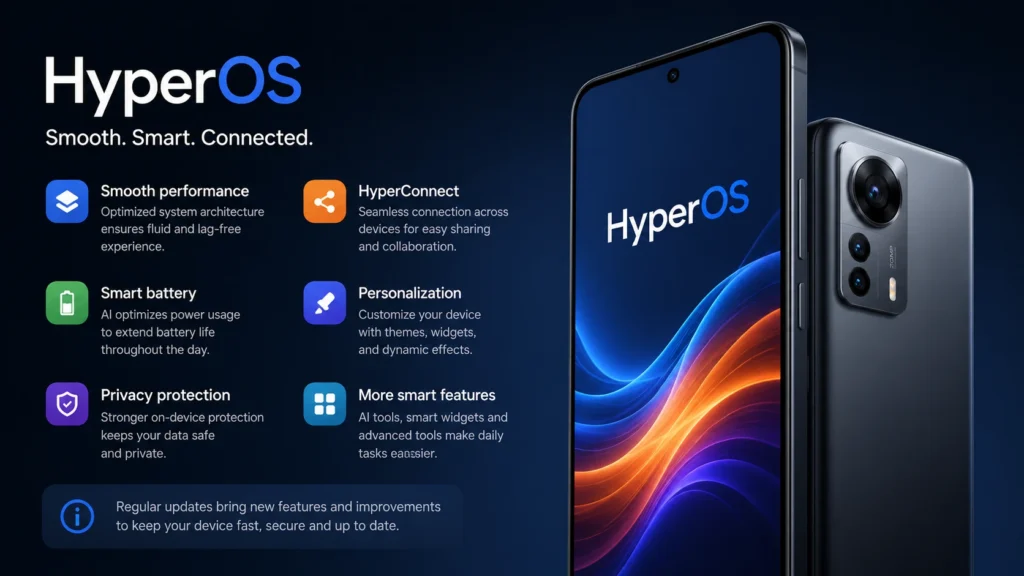
HyperOS is made to run smoother than MIUI. Xiaomi has worked on system speed, memory use and background apps. Because of this, apps may open little faster. Switching between apps also feels better in many phones.
But don’t expect same speed in all phones. Budget Redmi phone and flagship Xiaomi phone will not give same result. Hardware also matters. So, if your phone is old, keep storage free and remove unwanted apps. Then only HyperOS can work better.
6. AI Features
AI features are coming in many new Xiaomi phones. You can check Google Gemini help page if your device supports Gemini features. Some phones get AI writing, AI image editing, AI subtitles and AI wallpaper options. But all phones will not get all AI features. Mostly flagship phones and new models will get more AI options.
So, if your phone does not show AI tools, don’t worry. It may be because of phone model or region. Also, AI tools need to be used carefully. Don’t depend fully on AI result. Always check the output by yourself.
7. Battery Usage
Battery backup is very important for every phone user. Nobody likes to charge the phone many times in one day. HyperOS tries to control unwanted background apps. Some apps run in the background and use battery without our knowledge.
You can check battery usage from settings. If one app is eating more battery, restrict it or uninstall it if you don’t need it. But don’t restrict important apps too much. If you restrict WhatsApp, Gmail or payment apps, notifications may come late.
8. Privacy Settings
Privacy is very important nowadays. Many apps ask camera, microphone, location and contacts permission. HyperOS gives better control for app permissions. You can check which app is using camera, location and microphone.
If one app is asking permission without reason, you can deny it. For example, a wallpaper app does not need contacts permission. So, once in a while, open privacy settings and check app permissions. This is a small thing, but useful for safety.
9. Multitasking
Multitasking is better in HyperOS. If your phone has good RAM, switching between apps feels smoother. You can open WhatsApp, Chrome, YouTube and other apps, and move between them easily. Some apps stay in memory for longer time.
But if your phone has low RAM, don’t open too many apps. Phone may become slow. So, close apps which you don’t use. This simple habit can help the phone work better.
10. Memory Extension
Memory Extension is available on many Xiaomi phones. It uses some storage space like virtual RAM. This may help little when many apps are opened. But it is not equal to real RAM.
If your phone has 4GB or 6GB RAM, memory extension may help in some use. But if storage is full, better to keep it low or turn it off. Always keep some free storage in your phone. Full storage is one common reason for slow performance.
11. Storage Cleaning
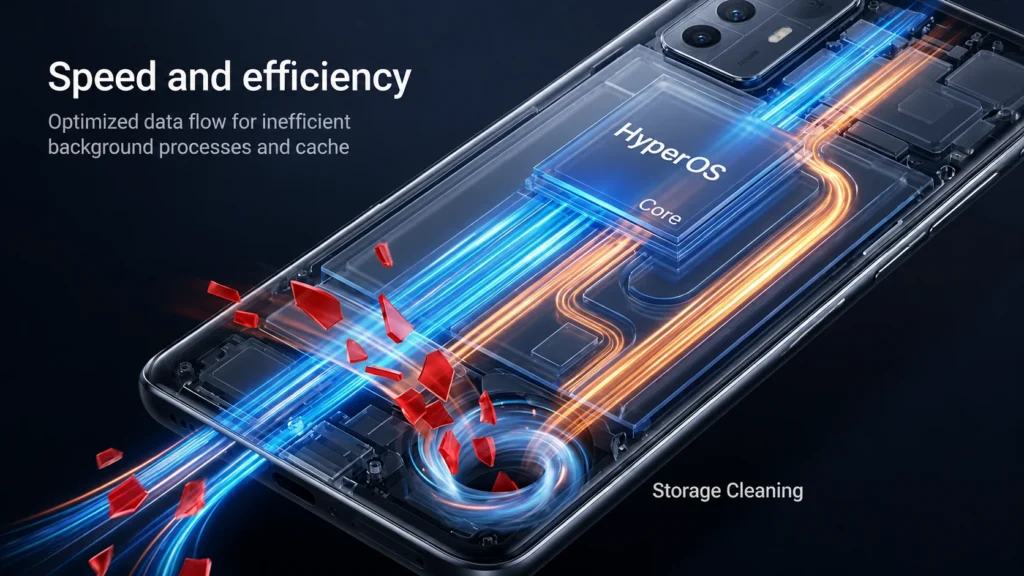
HyperOS gives better storage options. You can check large files, videos, screenshots, unused apps and cached files. Many people don’t clean storage for many months. After that, the phone becomes slow and apps take more time to open.
So, once in a week or month, check storage section. Delete old APK files, unwanted videos, duplicate photos and useless downloads. No need to install many cleaner apps for this. Basic cleaning from settings is enough for most users.
12. HyperConnect
HyperConnect is useful if you have more Xiaomi devices. Like Xiaomi phone, tablet, smartwatch or other smart devices. It helps devices connect more easily. File sharing and device switching can become better when supported devices are connected.
If you use only one Xiaomi phone, you may not notice this feature much. But if you use Xiaomi ecosystem products, this feature is useful. Xiaomi is trying to make phone, tablet and other devices work together. So, this feature may improve more in future updates.
13. Gaming
Many Redmi and POCO users play games on their phone. So, gaming performance is important for them. HyperOS gives better resource management for games. Game Turbo is also available in many phones.
You can use Game Turbo to manage performance, notifications and network settings while gaming. But don’t expect magic from software update. If phone hardware is weak, HyperOS cannot make it like gaming phone.
Still, on supported phones, games may feel smoother. Also, keep phone cool while gaming because heating can reduce performance.
14. Camera
Camera app also gets small improvements in some HyperOS updates. Xiaomi improves image processing, camera speed and stability. Some phones may get better night photos and portrait output. Some phones may only get small camera bug fixes.
So, camera improvement depends on phone model. New phones usually get better camera updates than old phones. After update, open camera settings once. Sometimes new options may be added there.
15. Smooth Animations
Animations are small thing, but it changes the phone feeling. HyperOS animations feel smoother than old MIUI in many devices. Opening apps, closing apps and going back feels clean. If your phone has 90Hz or 120Hz display, then it feels more smooth.
If your phone feels laggy, reduce animation scale from developer options. Also, remove unwanted apps and keep storage free. Small animation changes make the phone feel premium. That is why Xiaomi focused on smoothness in HyperOS.
16. Notifications
HyperOS gives better control for notifications. Nowadays many apps send unwanted alerts daily. Shopping apps, games, news apps and some social apps may disturb again and again. So, go to notification settings and turn off unwanted app notifications.
Keep notifications only for important apps like WhatsApp, Gmail, payment apps and work apps. This makes the notification panel clean. Also, it can save little battery because fewer apps will run in background.
17. Floating Window
Floating window is useful when you want to use two apps at same time. This feature was already in MIUI, but in HyperOS it feels smoother on many phones. For example, you can open WhatsApp in small window while watching YouTube. You can reply message without closing current app.
This is useful for multitasking. But don’t open too many floating windows if your phone has low RAM. Use floating window only when needed. It is simple, but very useful in daily use.
18. Sidebar
Sidebar is useful for quick app access. You can keep favorite apps in the side panel. When you swipe from side, you can open apps quickly. It is useful for calculator, notes, screen recorder and messaging apps.
But some users may feel sidebar is disturbing. If you don’t use it, you can turn it off from settings. So, keep sidebar only if it helps your daily use. Otherwise, disable it and keep screen clean.
19. Update Rollout
Xiaomi gives HyperOS updates in batches. So, all users will not get update on same day. Some phones get update early. Some phones get update after weeks or months. Also, update timing can change based on region.
If your friend got the update and you did not get it, don’t worry. Wait for official OTA update from settings. Don’t install random ROM files from unknown websites. It may create bootloop, bugs or warranty problem.
20. HyperOS 3
HyperOS 3 is also started coming for some newer Xiaomi phones. Some supported devices get Android 16 based update. But all phones will not get HyperOS 3 immediately. Xiaomi will release it slowly based on phone model, region and testing.
HyperOS 3 brings more smooth animations, cleaner design, better AI features and better device connection. Before expecting update, check official update page or phone settings. Don’t believe every random update list on internet.
Conclusion
HyperOS is a big change from old MIUI. It brings changes in design, battery, privacy, performance and device connection. Some changes are easy to see. Some changes work in background. So, after using the phone for some days, you may slowly notice the difference.
If your Xiaomi, Redmi or POCO phone gets HyperOS update, try lock screen, widgets, control center, privacy settings, battery settings and floating window. Also, keep your phone updated only through official update. Future HyperOS updates may bring more useful features and bug fixes.