Every programmer need some software tools to write code. Without tools, coding work will be very hard. So, if you are beginner or developer, first you should know about some useful programming software.
There are many software tools available for developers. Some tools are used for Android app development. Some tools are used for web development. Also, some online websites are useful to learn programming with examples.
So, now let’s see some best programming software tools and resources.
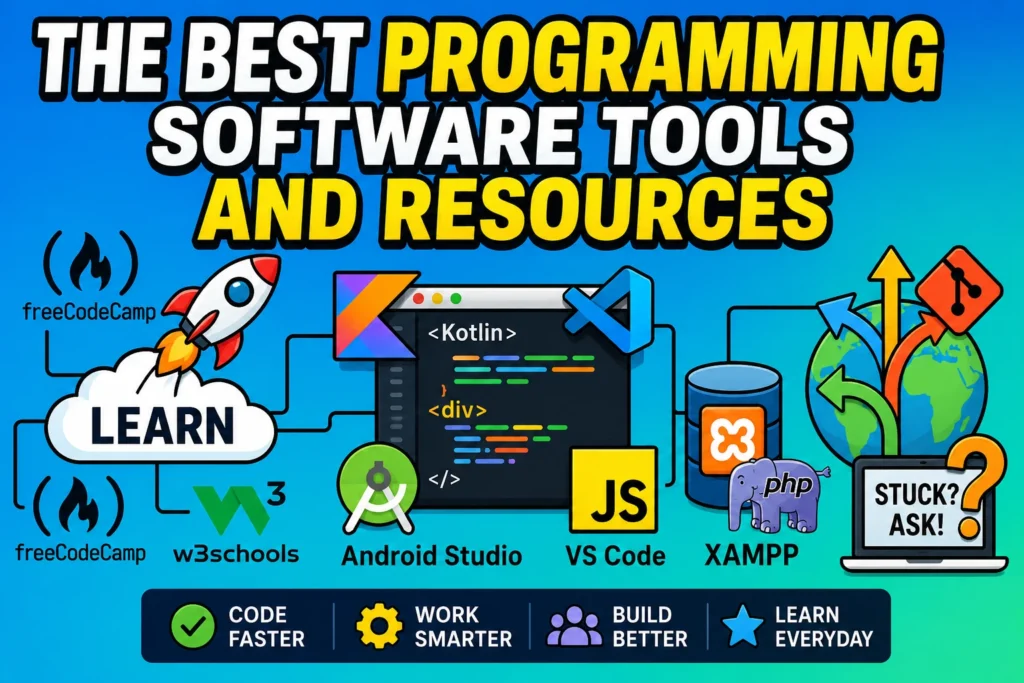
Programming Software Tools
1. Android Studio
Android Studio is the main software for people who are going to create Android apps. If you are learning Android development, mostly you will start from this tool only.
In this software, developers can write the app code and check how the app is working. Also, it helps to run the app, find mistakes and test the app before using it on a real mobile.
Android Studio supports Java and Kotlin. Nowadays, Kotlin is used by many Android developers. Still, Java is also used in many old and new projects.
Also, Flutter app development can be done in Android Studio. For that, need to add Flutter SDK and plugin. After that, you can create Android and iOS apps using one codebase.
You can download Android Studio from the official Android Developer website. But it needs good computer. If your system has low RAM, the software may work slowly. So, for smooth work, better to use minimum 8GB RAM.
2. Visual Studio Code
Visual Studio Code is a common code editor used by many developers. The main reason is, it is simple, fast and easy to customize.
You can use VS Code for many coding works. It supports HTML, CSS, JavaScript, Python, PHP, Java, C, C++ and more with the help of extensions.
If you are learning website development, VS Code is a good software to keep in your system. You can write HTML, CSS and JavaScript code easily and check your project.
Also, you can work with React, Node.js and Python projects. It has built-in terminal and Git support, so the work becomes easy after some practice.
The size is not very heavy like big IDE tools. So, it opens fast and works good for many coding works. You can download VS Code from the official Microsoft website.
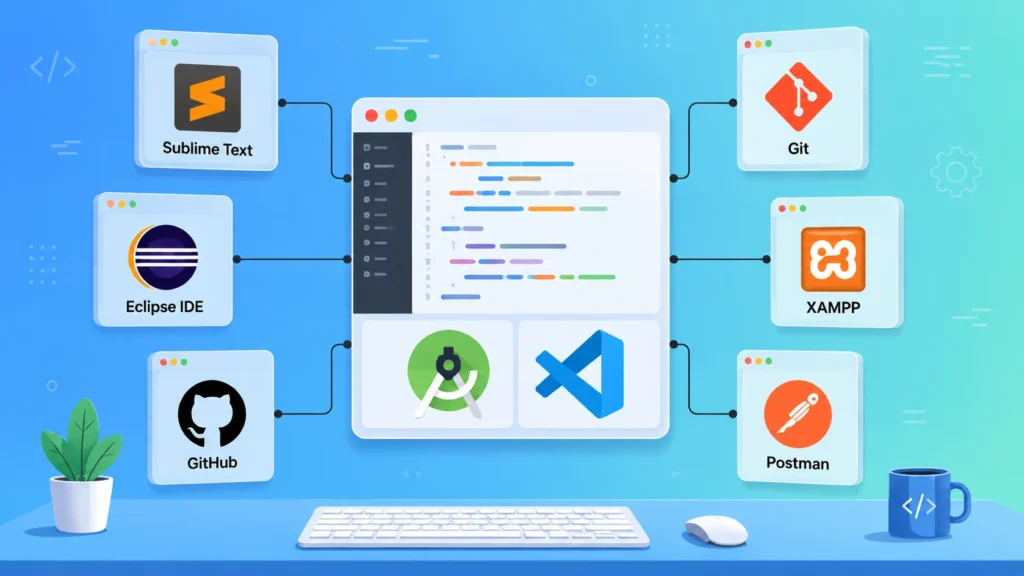
3. Sublime Text Editor
Sublime Text is a simple code editor. You can check Sublime Text from its official website. It is mostly used for writing code fast. If you don’t want heavy software for small work, this editor is useful.
You can use Sublime Text for HTML, CSS, JavaScript and other simple coding works. It has syntax highlighting, search option and find replace features.
This is not a full IDE like Android Studio. But for small projects and quick code editing, Sublime Text is useful.
Sublime Text is a paid software. But, you can try it. If you want completely free software, then Visual Studio Code is better.
4. Eclipse IDE
Eclipse IDE is one of the old and popular tools for Java developers. Many students use Eclipse for Java programs.
It is comfortable to write Java code. Also, C and C++ developers can use Eclipse with required setup. The auto suggestion feature helps to write code easily.
Before, Eclipse was used for Android development also. But now, Android Studio is the main software for Android apps.
Still, Eclipse is useful for Java projects, college work and some large projects. So, Java learners can try this IDE.
5. GitHub
GitHub is very important for developers. It is used to upload and manage source code online. If many developers work on same project, GitHub is useful. One developer can change code, another developer can check and update the same project.
Also, GitHub is useful for open-source projects. Many developers share their projects on GitHub. Beginners can see those projects and learn coding style.
If you are learning programming, create one GitHub account. Upload your small projects also. It will be useful for your portfolio.
6. Git
Git helps to keep the history of your coding work. When you change something in your project, Git can save that change like a record.
For example, if you write new code and it gives problem, Git helps to go back to the previous version. So, developers use Git to manage code safely. Git and GitHub are not same. Git is the tool. GitHub is the online website to keep the code.
Every programmer should learn some basic Git commands. Like clone, add, commit, push and pull. First it may look difficult, but after practice it will be easy.
7. CodePen
CodePen is a good online place for frontend practice. Web developers mostly use it to test HTML, CSS and JavaScript small works.
If you want to check one button design, card design, form design or simple animation, CodePen will be helpful. No need to create separate files in your computer for small testing.
Also, many developers share their frontend designs on CodePen. So, beginners can see and learn from those examples. It is not used for big projects. But for small web design practice, CodePen is a good resource.
8. XAMPP With phpMyAdmin
XAMPP is useful for PHP and MySQL learners. It helps to run PHP projects on your computer. If you want to practice backend work, login page, contact form or database project, XAMPP is useful.
phpMyAdmin is used to manage database. You can create database, tables and do insert, update, delete works. So, if you are learning PHP, MySQL or WordPress locally, XAMPP is one of the useful tools.
9. Postman
Postman is used for API testing. Backend developers and app developers use this tool often. If you create API, you need to check whether it is working or not. For that, Postman is useful.
You can test GET, POST, PUT and DELETE requests. Also, you can see the response from server. If you are learning backend development, try to learn Postman also. It will help to understand API work.
Online Resources For Developers
1. W3Schools
W3Schools is a simple learning website for beginners. If you are new to coding, this site will help to understand the basic concepts. It has HTML, CSS, JavaScript, SQL, Python, PHP and many more topics. The explanation is simple and examples are easy.
Also, there is a try editor. So, you can write code and check output directly. If you are starting web development newly, W3Schools is a good website to learn step by step.
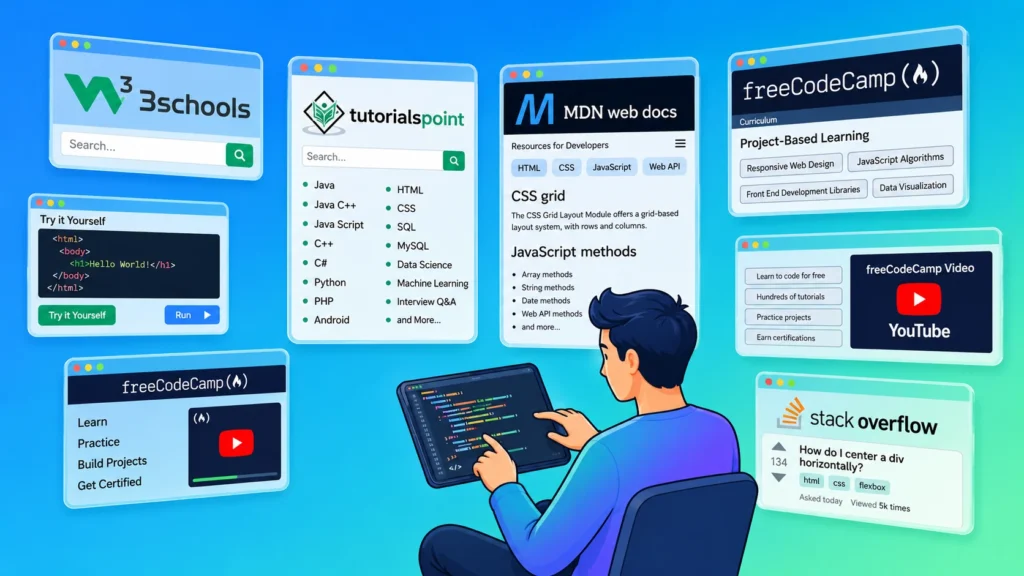
2. Tutorials Point
Tutorials Point is also a useful website for learning programming. It covers many coding topics and also gives examples for easy understanding. You can learn Java, Python, C, C++, PHP, JavaScript, SQL, Django, Laravel, Node.js and more from this site.
The topics are arranged one by one. So, it is easy to learn slowly. If you want to read programming concepts with examples, Tutorials Point is useful.
3. MDN Web Docs
MDN Web Docs is mainly useful for web developers. It has details about HTML, CSS, JavaScript and web APIs. For beginners, this site may look little hard in the starting. But after learning basics, MDN is very useful.
If you have doubt in CSS property or JavaScript method, you can check MDN.So, web developers should know about this resource.
4. freeCodeCamp
freeCodeCamp is a good place to learn coding for free. It has lessons, projects and full courses.You can learn web development, JavaScript, Python, frontend and backend topics.
Also, freeCodeCamp has many coding videos on YouTube. So, if you like learning by watching videos, this resource is useful. If you want to learn coding by doing projects, freeCodeCamp is a good place to practice.
5. Stack Overflow
Stack Overflow is very useful for developers. When developers get errors, they search on Stack Overflow. Many coding problems already have answers there. So, it helps to solve errors fast.
But, don’t copy code blindly. First read the answer and understand it. After that only, use it in your project. Every developer uses Stack Overflow at some time. So, beginners should also know how to search properly.
Conclusion
In the above article, we discussed some best programming software tools and resources.Android Studio, Visual Studio Code, Sublime Text, Eclipse IDE, GitHub, Git, CodePen, XAMPP and Postman are useful tools for developers.
Also, W3Schools, Tutorials Point, MDN Web Docs, freeCodeCamp and Stack Overflow are useful online resources for learning programming.
So, choose the software based on your work. For Android app development, Android Studio is useful. For website development, Visual Studio Code, CodePen and XAMPP are useful.Use the right tools and practice regularly. Slowly, programming will become easy.