WordPress plugins are very useful for every WordPress website. Because without plugins, adding some features on WordPress site is not easy for beginners. So, every WordPress user should know about some important plugins.
Some plugins are used for SEO, some are used for speed, some are used for forms, ads, backup, security and more. Also, many plugins are available in free and paid versions.
So, in this article, we are going to see some best WordPress plugins you must install on your WordPress site.
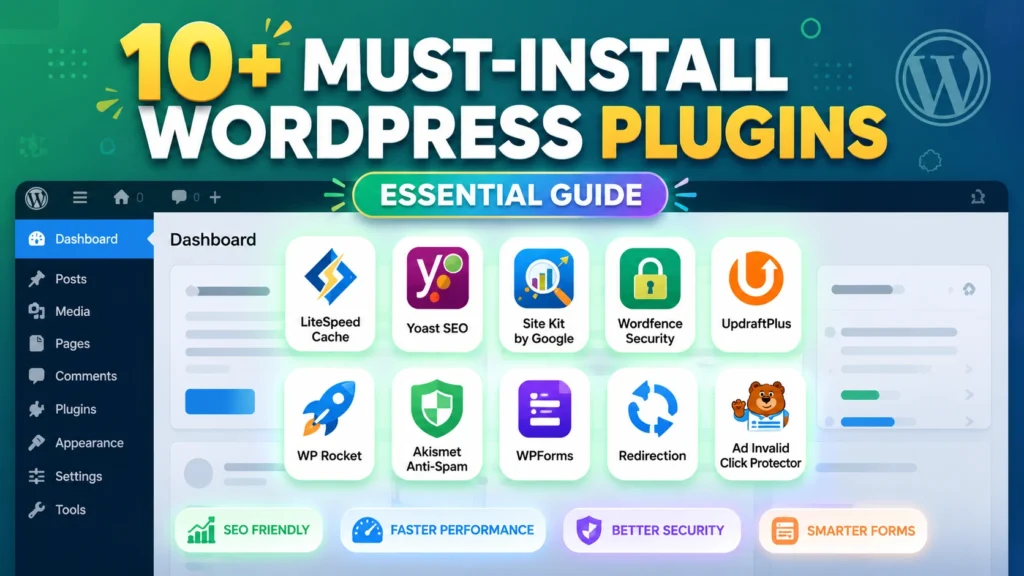
WordPress Plugins
1. Ads.txt Manager
Ads.txt Manager is mainly useful for AdSense websites. If ads are running on your blog, then ads.txt file should be added properly. Many beginners forget this file and later AdSense may show warning.
Normally, ads.txt file will be located like this.
https://www.example.com/ads.txt
Many beginners don’t know how to upload ads.txt file from cPanel or file manager. So, this plugin makes that work easy. You can add ads.txt details from WordPress dashboard itself. After installing the plugin, open the plugin settings. Paste your ads.txt code there and save it. That’s all, no need to open cPanel for this small work.
If ads.txt file is missing, sometimes ad revenue may be affected. So, every AdSense website owner should check this properly.
2. Ad Invalid Click Protector
Ad Invalid Click Protector is a useful plugin for websites that use AdSense ads. Sometimes invalid clicks may happen on ads. It may be from bots, competitors or repeated clicks. So, this plugin helps to reduce invalid ad click activity. It can block users when they click ads more than the allowed limit.
After installing the plugin, you may need to wrap your ad code inside a div class.
Like this. But before using this plugin, check the plugin details and support. Because every plugin may not work perfectly with all themes and ad setup. Also, don’t click your own ads and don’t ask others to click it. This is the main thing to remember for AdSense safety.
3. Yoast SEO
Yoast SEO is one of the well-known SEO plugin for WordPress. You can check Yoast SEO plugin from WordPress.org. Most bloggers use this plugin when writing posts, because it shows simple SEO suggestions. If you don’t know where to add SEO title, meta description and focus keyword, this plugin will guide you in the post editor itself. So, beginners can understand SEO little better.

Also, it checks readability, internal links, keyword usage, meta description, paragraph length and more. For beginners, Yoast SEO is very useful. Because it shows what need to improve in the post before publishing.
Yoast SEO has free and premium versions. In the beginning, free version is enough for many bloggers. Later, if you need more features, you can try premium.
4. Table Of Contents
Table of Contents plugin is useful for long articles. You can use Easy Table of Contents plugin for adding table of contents. If your post has many headings, then this plugin will show all headings in one table. When visitors open the article, they can see all topics in one place. So, they can jump to the needed section easily.
This is useful for tutorial posts, guide posts and long blogging articles. Also, table of contents makes the article look clean. So, if you write long posts on your blog, this plugin is good to use.
5. Akismet Anti-Spam
Akismet is used to reduce spam comments from WordPress site. Many websites get spam comments daily, especially after the site starts getting some traffic. Some comments are posted by bots. Some comments are added only for backlinks. If many spam comments are there, then the comment section will not look good for readers.
Akismet helps to filter spam comments. So, the admin can save time. After installing Akismet, you need to connect it with an API key. For small personal sites, free option may be available. For business sites, paid plan may be needed. So, if your site has comment section, Akismet is a useful plugin.
6. WP File Manager
WP File Manager is used to manage website files from WordPress dashboard. Usually, we need to open cPanel file manager to edit or upload files. But with this plugin, some file works can be done from WordPress admin panel itself.
You can upload files, check folders, edit small files and manage website files. But use this plugin carefully. Because if you delete the wrong file, your website may break. So, don’t edit important files without backup. If you are not using it regularly, better to disable or remove it after work.
7. WP RSS Aggregator
WP RSS Aggregator is useful to manage RSS feed content. RSS feed is used to show website updates in feed format. For bloggers, RSS feed is useful to display latest posts or collect content updates from other websites.
WordPress already has default RSS feed. But if you want more control and display options, this plugin can help. It is useful for news websites, content curation blogs and websites that show feed content. But don’t copy full content from other websites. Use RSS feed only in proper way.
8. WPForms
WPForms is one of the easy form builder plugins for WordPress. You can create contact form, business form, feedback form and many other forms.
The main good thing is drag and drop option. So, even beginners can create a simple form without touching any code. Every website should have at least one contact form. Because visitors may want to contact the website owner for questions, business or support.
WPForms has free and paid versions. For normal contact form, free version is enough. But if you need payment form, survey form or advanced things, then paid plan may be needed. So, for contact forms, WPForms is a good plugin.
9. Redirection
Redirection is useful when you want to send old link to new link. In WordPress, this is needed when old post URL is changed or deleted. Sometimes we change the post URL. Sometimes we delete old posts. In that time, old links may show 404 error. So, the old URL should be redirected to the correct page. Redirection plugin helps to do this easily.
You can create 301 redirects from the WordPress dashboard. No need to edit .htaccess manually. This plugin is helpful for bloggers when they update old posts, change permalink or remove old pages.
10. Google Site Kit
Google Site Kit is a Google plugin for WordPress. You can check Site Kit by Google plugin from WordPress.org. It is useful to connect Google tools like Search Console, Analytics, AdSense and PageSpeed in one place. You can connect Google Search Console, Google Analytics, AdSense and PageSpeed Insights from one place.
After setting up this plugin, you can see traffic, search performance, AdSense details and speed details inside WordPress dashboard. This is useful for bloggers because no need to open every Google tool separately. So, if you want to see your website report inside WordPress, Google Site Kit is useful.
11. LiteSpeed Cache
LiteSpeed Cache is one of the useful speed plugins for WordPress. It helps to improve website loading speed. Website speed is important for visitors. If your site loads slowly, visitors may leave the page quickly.
LiteSpeed Cache can help with cache, image optimization, CSS and JavaScript optimization and more speed settings. But, to use all features properly, your hosting should support LiteSpeed server. If your hosting has LiteSpeed server, this plugin can work better.
Also, don’t enable all settings at once. Some settings may affect the website design. So, change settings slowly and check your site.
12. UpdraftPlus
UpdraftPlus is used to take backup of WordPress website. Backup is very important, but many website owners remember it only after some problem happens. Sometimes plugin update or theme update may break the website. Sometimes we may delete some file by mistake. In that time, backup will help.
UpdraftPlus helps to take backup of website files and database. You can also save the backup in cloud storage like Google Drive or Dropbox. So, before doing big changes on your website, take backup first. This is a good habit for every WordPress user.
13. Wordfence Security
Wordfence Security is used to protect WordPress website from security problems. WordPress sites are common target for hackers and bots. This plugin can help with firewall, malware scan and login protection.

If someone tries to login many times with wrong password, Wordfence can help to block those attempts. But only installing security plugin is not enough. You should also update WordPress, themes and plugins regularly. Also, use strong password for admin login. This is also very important.
Conclusion
In the above article, we discussed some best WordPress plugins you must install. Ads.txt Manager, Ad Invalid Click Protector, Yoast SEO, Table of Contents, Akismet, WP File Manager, WP RSS Aggregator, WPForms, Redirection, Google Site Kit, LiteSpeed Cache, UpdraftPlus and Wordfence Security are some useful plugins.
But don’t install too many plugins without reason. Too many plugins may slow down your site. So, install only needed plugins. Also, update plugins regularly. Before updating important plugins, take backup of your site. If you use the right plugins, managing WordPress website will become easy.